RTO Documentation: Vehicle Delivery Process Streamline Kaise Karein
RTO Documentation Aur Vehicle Delivery — Sabse Bada Sardaard
Automobile dealership chalana koi aasan kaam nahi hai. Gaadi bechna fir bhi ek baar ko asaan lagta hai, lekin sabse bada sardaard shuru hota hai uske baad — RTO Documentation aur Vehicle Delivery ka process.
Customers ke baar-baar aane wale calls ("Bhaiya meri gaadi ka number kab aayega?", "RC kab milegi?"), files ka ghum ho jana, aur paper-based workflows dealership ki efficiency ko completely down kar dete hain.
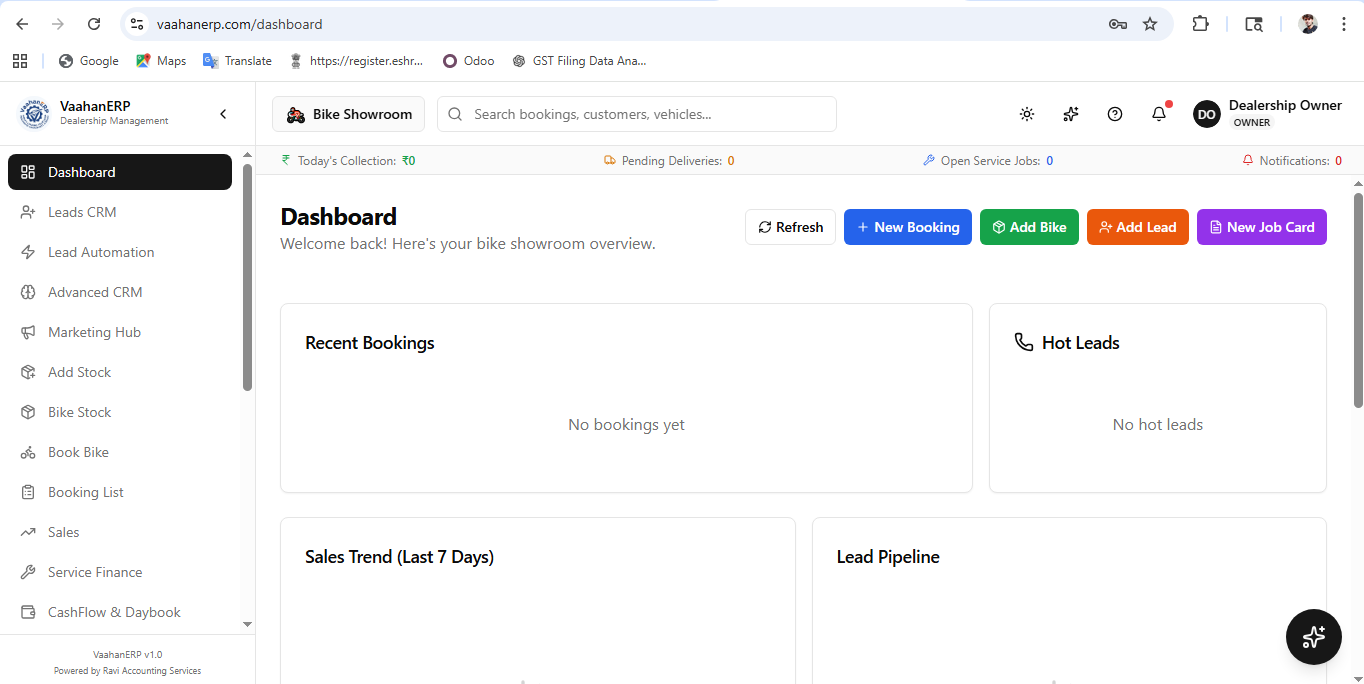
Agar aap bhi in problems se pareshan hain, toh waqt aa gaya hai apne showroom ko VaahanERP 2.0 ke sath digital aur automated banane ka.
1. Digital Document Vault (Paperless Work)
Files aur folders mein documents maintain karna purana aur risky tareeqa hai. VaahanERP ke Document Manager module mein aap ek hi jagah par lagbhag 15 tarah ke documents securely upload aur manage kar sakte hain:
- Customer ID Proofs: Aadhar Card, PAN Card, Driving License, aur Photos
- RTO Forms: Form 20 (Sale Letter), Form 21 (Delivery Note), Form 22 (Road Worthiness)
- Other Documents: Tax Invoice, Helmet Receipt, Insurance Copy, aur Bank Finance ke papers
✅ Fayda: Sab kuch cloud par secure rehta hai, jisse file ghumne ka darr hamesha ke liye khatam ho jata hai.
2. Real-Time RTO & Registration Tracking
RTO process ko track karna ab ungliyon par hai. VaahanERP ke RTO module mein aap har gaadi ka Registration Number, RTO Date, aur Insurance Expiry ek hi popup mein save kar sakte hain.
Aap RTO application ka status step-by-step update kar sakte hain:
Applied ➔ Pending ➔ Approved ➔ Done
Isse dealership staff ko pata rehta hai ki kaun si gaadi ka RTO pending hai aur kiske documents ready hain.
3. "Swiggy-Style" Live Customer Tracking
Dealership owners ka sabse zyada time customers ko unki gaadi ka status batane mein waste hota hai. VaahanERP is problem ko apne Live Tracking Link (/track/[id]) ke zariye solve karta hai:
- Jaise hi booking confirm hoti hai, customer ko WhatsApp par ek link milta hai
- Bina kisi login ke, customer live track kar sakta hai: Booking Confirmed ➔ Payment Received ➔ Vehicle Allocated ➔ RTO Processing ➔ Insurance Done ➔ Ready for Delivery
- Digital Downloads: Jab RTO approve ho jata hai, toh customer apne documents (RC, Insurance) seedha is link se download kar sakta hai
4. 1-Click Delivery & Automated Reminders
Jab gaadi delivery ke liye ready ho jaye, toh system se ek click mein "Deliver" mark karein:
- Customer ko automatically "Vehicle Ready" ka WhatsApp/SMS chala jayega
- System khud-ba-khud agle saal ke liye Insurance Expiry Reminder aur Next Service Due Reminder schedule kar dega
- Jo customer ko automatically message ya call bhej dega — aapko kuch karna nahi!
Conclusion: Digital Banein, Aage Badein
VaahanERP sirf ek software nahi — yeh aapki dealership ka digital backbone hai. RTO tracking se lekar 1-click delivery tak, har process automated aur transparent hai.
Abhi free demo lein aur dekhein ki VaahanERP aapki dealership ko kaise transform kar sakta hai!
Apni Dealership Automate Karo!
Leads, bookings, service, cashflow — sab ek jagah. VaahanERP try karo free mein.
Free Demo Book Karo →
